Alta MCP Is Now Available in Claude, ChatGPT and Codex

Alta MCP brings Alta's prospect database, enrichment and multichannel campaigns into Claude, ChatGPT and Codex, so reps go from ICP to outreach in one chat.
With Alta MCP, you describe the audience you want in plain language, and Alta finds them, verifies their contact information, and returns a launch-ready multichannel campaign in the same conversation where you're already working. GTM teams can go from an ICP definition to outreach in flight without opening a dozen tabs.
That's a big change from how pipeline generation usually works. Reps pull up a prospecting tool to build the list, jump to an enrichment provider for verified emails and direct dials, open the campaign builder to write the sequence, pick a sender and launch, then move to another tab to see whether any of it worked. The thinking happens in one place and the pipeline gets built in five others.
Alta works where you work
Alta MCP is one of the first sales tools for AI assistants that doesn't stop at research. We're bringing Alta's prospect data, enrichment providers, and campaign engine directly into Claude, ChatGPT and Codex so you can find target prospects with their verified contact information and phone numbers, build and enrich audiences, and launch multichannel sequences to them, all within the chat interface.
- Vibe prospecting: Describe your ICP in plain language and get real people back, with verified emails and direct dials, ready to campaign to. No filters to configure, no exports to manage.
- A UI that follows the work: Alta has no fixed screens inside Claude or ChatGPT. The interface renders around what you asked for and reshapes as your question does, so the view you need is the view you get.
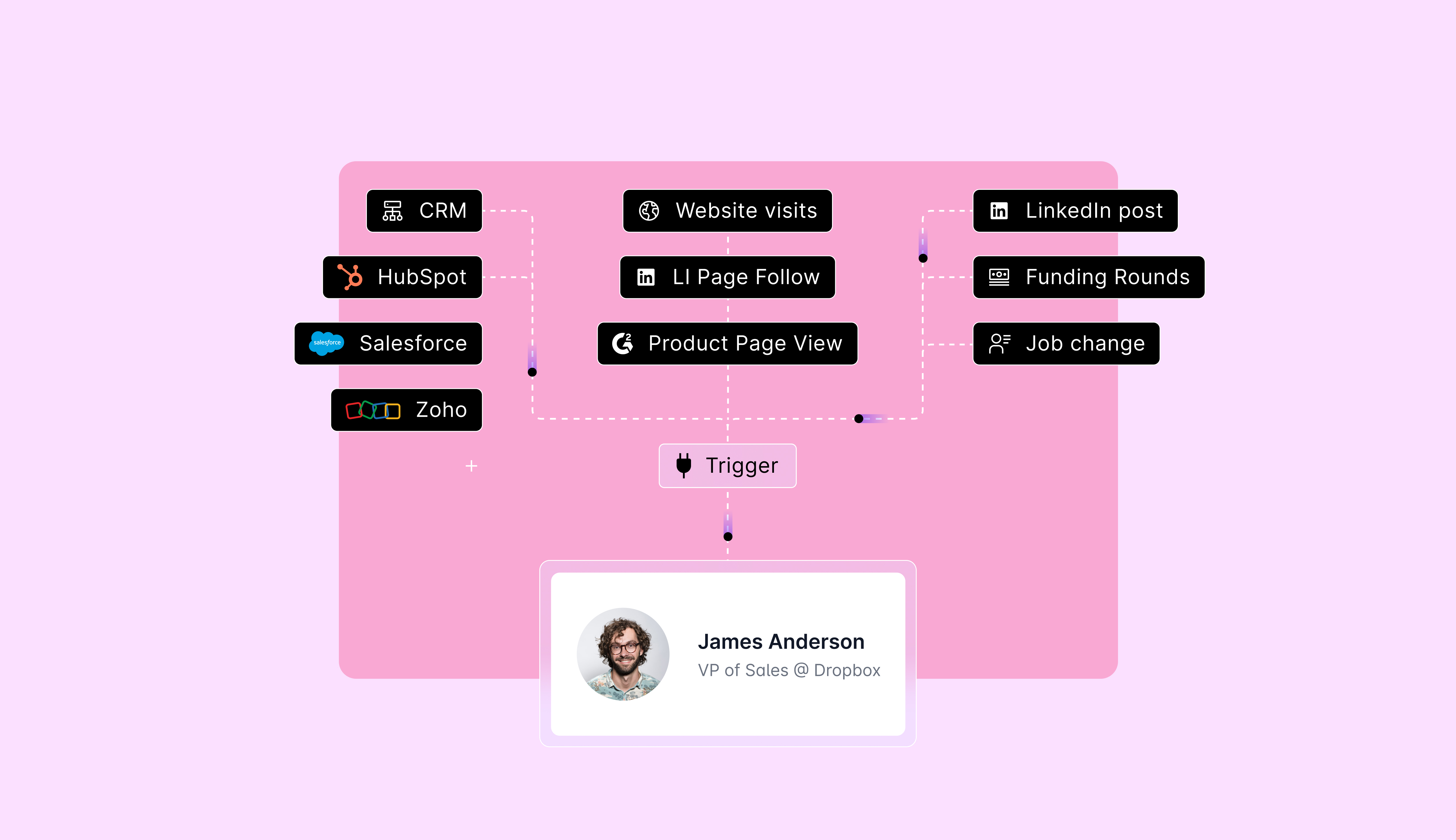
Alta MCP gives your GTM team one place to prospect, enrich, and launch. Reps can identify the right people at target accounts, pull in context like job changes, funding rounds, and hiring sprees, and turn that insight into a personalized multichannel sequence, all inside Claude, ChatGPT or Codex.
How this works
Today, reps who use AI assistants for prospecting can only access data available on the public web. Alta MCP changes that. Reps can now use Alta's person and company data, enrichment providers, and campaign engine to build audiences and reach them, all within the assistant they already use. It surfaces information that's otherwise hard to find: verified emails, direct dials, job changes, funding rounds, hiring sprees, and leadership changes.
Once you've connected Alta MCP, your assistant will automatically use Alta for your pipeline questions. Here's what reps can ask in Claude, ChatGPT or Codex with Alta:
- "Find VP and Director level demand gen leaders at Series B SaaS companies who started in the last 6 months."
- "Build a list from those results and enrich them." → "Now show me which of them just changed jobs."
- "Launch a multichannel sequence to that list from Katie."
How this changes the pipeline generation process for reps
Let's say you want to break into a new segment: demand gen leaders who recently changed jobs at Series B SaaS companies. You need to know how many exist, who they are, verified emails and direct dials for each of them, a sequence that reflects what your company actually sells, and a rep to send on your behalf.
Your typical process
You bounce between prospecting tools, enrichment providers, and the campaign builder to assemble a partial audience. It's time-consuming, fragmented, and often leads to cutting corners or shipping a sequence more generic than you wanted, because the research and the writing happened in different places on different days.
What it looks like with Alta MCP
You do it all with a few prompts in Claude, ChatGPT or Codex:
- "How many VP level demand gen leaders are at US SaaS companies with 200 to 1,000 employees who changed roles in the last six months?"
- "Build a list from those results and enrich them for email and phone."
- "Build a campaign for that list using what's in Knowledge and on our website, and have Katie send it across email and LinkedIn."
Alta, powered by its prospect database, enrichment providers, and campaign engine, returns a verified audience and a sequence assembling on screen in seconds, all through natural language. You review the finished draft and click Launch yourself.
Four real Alta MCP use cases for GTM teams
Use Alta MCP to break into target accounts and reach them. Describe what you need while mentioning Alta, and Alta surfaces results directly in your conversation. You can refine searches, adjust criteria, and export lists without leaving your assistant.
1. Build and enrich a target audience, in one prompt
Ask: "Turn those results into a list and enrich them for email, phone, and company data."
Create a new audience list and import search results straight into it, or push your own CSV in, up to 100 people at a time with custom fields included. Enrich the whole list for verified emails, direct dials, and company data, or pull one person's full profile, and Alta shows you exactly what a run covers before it touches a single record. Ask an open research question about any prospect and your assistant researches the web and returns a structured answer, so the context you get isn't limited to the fields Alta already stores. These lists are what campaigns run on, so you go from a search to a live audience without touching a spreadsheet.
2. Find email and phone information for ICP contacts
Ask: "Find VP and Director level demand gen leaders at [healthtech company X] who started in the last 9 months."
Use Alta's prospect database, enrichment providers, and the public web to find people at your ideal accounts using natural language directly in Claude, ChatGPT or Codex. Search by job title, seniority, department, industry, location, company size, revenue, funding stage and more, and get the match count plus examples back before you commit to anything. Narrow it, widen it, or change the segment entirely in the same conversation, and the list on screen rebuilds itself each time. Call it vibe prospecting: no filter panel, no saved search to maintain. You describe the person, Alta finds them.
3. Launch multichannel sequences based on contact research
Ask: "Build a campaign for that list using what's in Knowledge and on our website, and have Katie send it."
Turn the audience you just built into outreach without leaving the conversation. Alta opens a campaign as a draft, writes the pitch from what you described together with the knowledge already in Compass and on your company website, and assembles the sequence across email, LinkedIn, and calls, showing it live on screen before anything is saved. Pull the list of reps, or the details of a specific rep, to choose who sends on the company's behalf. Go beyond surface-level personalization by pulling in concrete details like job changes, funding rounds, hiring sprees, and leadership changes, so every sequence reflects why this audience is worth reaching now. The connector stops at a launch ready draft, and a person clicks Launch.
4. Find out what is working, and act on it in the same prompt
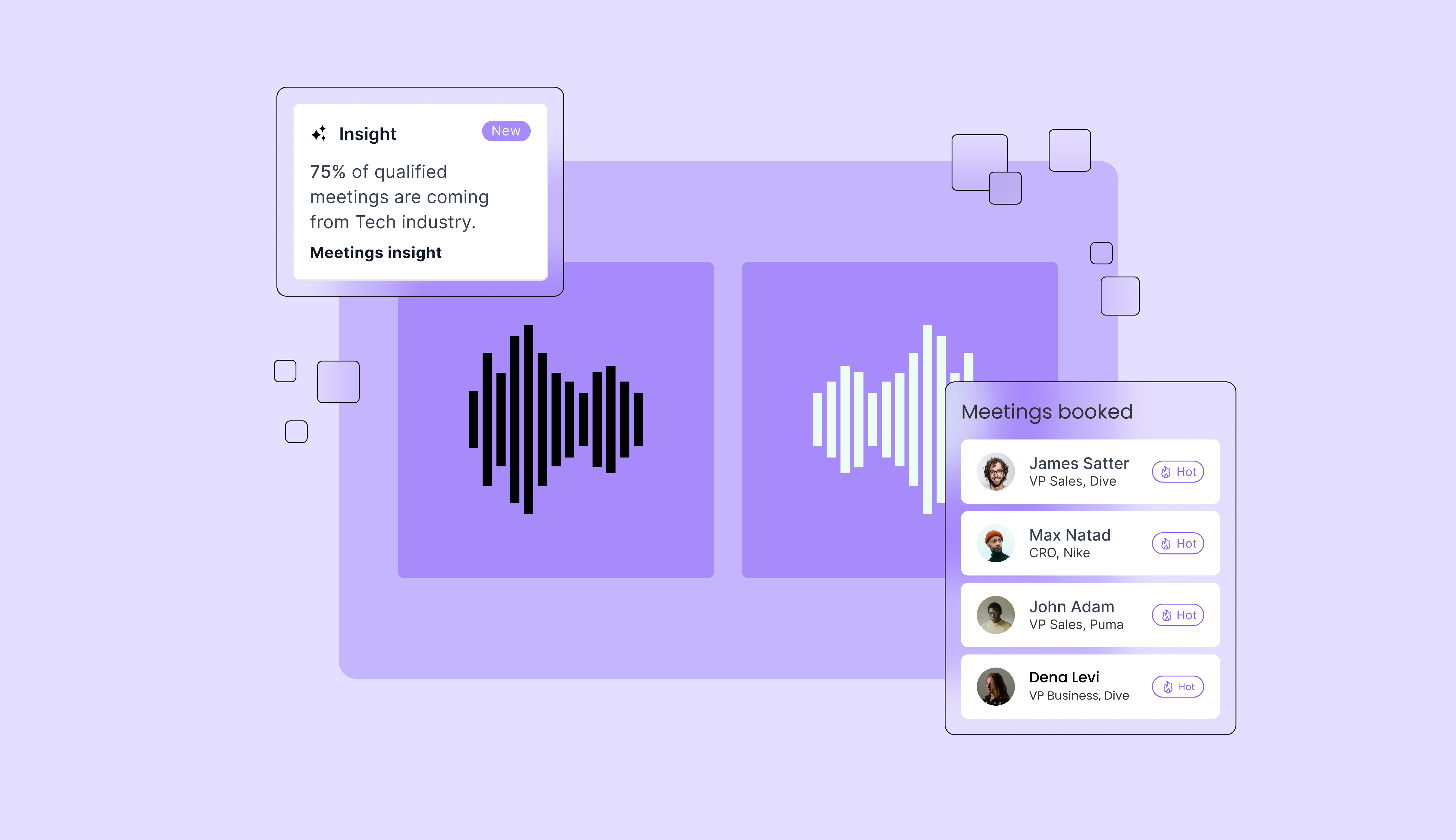
Ask: "Which ICP converts best, and which persona books the most meetings?"
Your Alta data lives inside your AI assistant, so the questions you used to take to a dashboard get answered in the conversation where you build the campaigns. Ask which campaigns generated the most pipeline this quarter, or which sequences earn the highest reply rate, and the assistant pulls the answer from your account's data and reports. Because the interface renders around the question, that answer arrives in whatever form makes it clearest, whether that's a ranked list, a table grouped by segment, or a signal surfaced as its own column. Then act on what you learn without switching tools: pull every campaign filtered by status, pause the one that isn't landing, resume it once the list has been reworked, or quiet outreach to a single lead without touching the rest. The campaigns you build in your assistant and the ones you built in the app are the same campaigns, so what you learn here changes what runs everywhere.
Get started
Alta MCP is available now in Claude, ChatGPT and Codex. Add the Alta app in ChatGPT, add Alta as a custom connector in Claude, or add the MCP server URL https://api.altahq.com/mcp in Codex, then sign in with your Alta account.
Follow the setup guide for Claude or the setup guide for ChatGPT and Codex in our help center.
Run your go-to-market without leaving your AI assistant.
Frequently Asked Questions
Alta MCP connects Alta to Claude, ChatGPT and Codex. You can find prospects, enrich contacts, build multichannel campaigns and check results from the AI assistant you already use, without opening the Alta app.
Describe the audience you want in plain language and get back real people with verified emails and direct dials. From there you can build and enrich lists, draft multichannel campaigns across email, LinkedIn and calls, see which campaigns and personas perform best, and pause or resume campaigns.
On their own, AI assistants can only research what's on the public web. With Alta connected, they can use Alta's prospect database, enrichment providers and campaign engine, so you get verified contact details and can act on them in the same conversation.
No. Campaigns built from chat are saved as drafts, and a person launches them. Sending a message or resuming a campaign always asks for confirmation first.
Yes. It's the same account, data and campaigns, so anything you build or change in chat shows up in Alta, and the reverse.
Everything runs with the signed-in user's Alta permissions. Admins can turn individual tools on or off from the MCP Server page in Alta.
No, not in Claude or ChatGPT: you just ask in plain language. Codex is aimed at people who work in a terminal or code editor, and it works the same way once connected.