Best AI Tools for Cold Email Outreach in 2026
Compare the best cold email AI tools for 2026, see what actually moves reply rates, and grab a 10-point checklist for evaluating automated outreach solutions.
Here's an uncomfortable number. The average B2B company takes 42 hours to respond to an inbound lead, and leads contacted within the first five minutes are 21x more likely to convert. If that's how slowly teams handle people who asked to hear from them, imagine what happens to the cold list.
That gap is why cold email AI tools went from nice-to-have to standard kit. In this guide you'll learn what these tools actually do, which ones are worth your money in 2026, how to use them without torching your domain reputation, and what to ask before you buy.
What are cold email AI tools?
Cold email AI tools are software platforms that use machine learning and large language models to research prospects, write personalized outreach, send it safely at scale, and manage the replies. They sit on top of your email accounts and, in the more advanced cases, on top of your CRM and calendar too.
The old version of "sales automation" was a sequencing tool: you wrote five templates, uploaded a CSV, and the tool sent them on a schedule. AI changed three things.
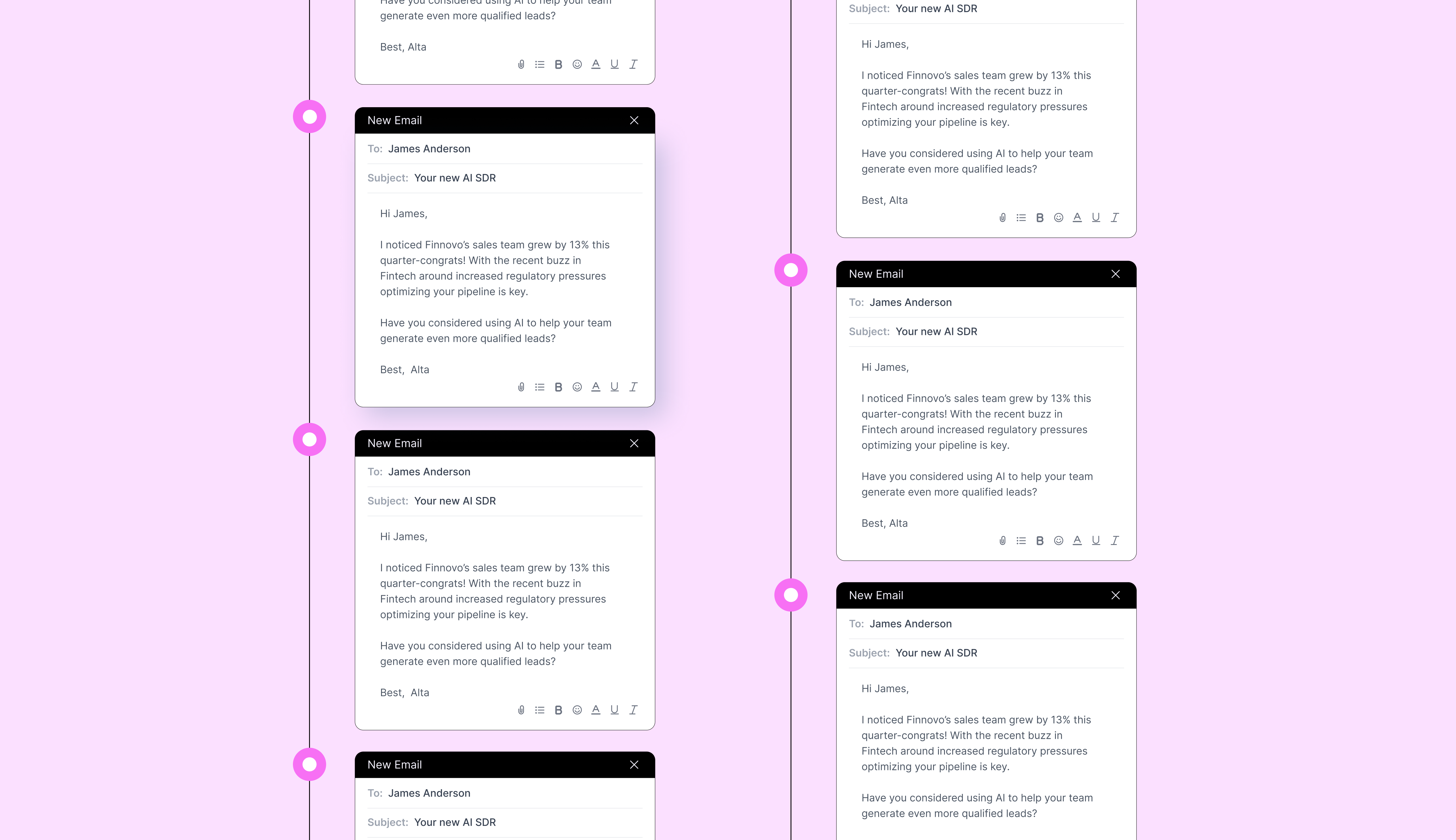
Research. Instead of a {{first_name}} merge field, the tool reads the prospect's LinkedIn, company site, job posts and funding news, then writes a first line that references something true.
Writing. The AI drafts the full email, adapts tone per persona, and generates variants for testing.
Reply handling. Modern tools classify responses (interested, not now, wrong person, out of office) and, in some cases, answer them and book the meeting.
The problems teams hit without them
Without AI in the loop, cold email runs into the same three walls every time. Reps spend 20 to 30 minutes per account on research, so "personalized" outreach caps out at a couple dozen emails a day. Deliverability collapses because everyone is sending from one or two domains with no warmup or rotation. And replies sit unanswered for hours because the rep is in a call, which is how a warm "sure, send me a time" turns into a cold "who is this again?"
Automated outreach solutions fix the volume problem. The good ones fix the quality and speed problems too.
The top AI tools for cold email outreach in 2026
The short answer: if you want the cheapest way to send a lot of decent email, pick Instantly or Smartlead. If you want multichannel, pick Lemlist or Reply.io. If you want to replace the SDR workflow rather than speed it up, pick Alta.
Pricing below is the entry tier on annual billing at time of writing. Vendors change plans constantly, so treat the numbers as ballpark. [VERIFY PRICING BEFORE PUBLISH: figures drawn from vendor sites and third party reviews as of September 2026]
1. Alta: AI agents that run the whole outbound motion
Best for: B2B teams that want outbound to run without adding headcount.
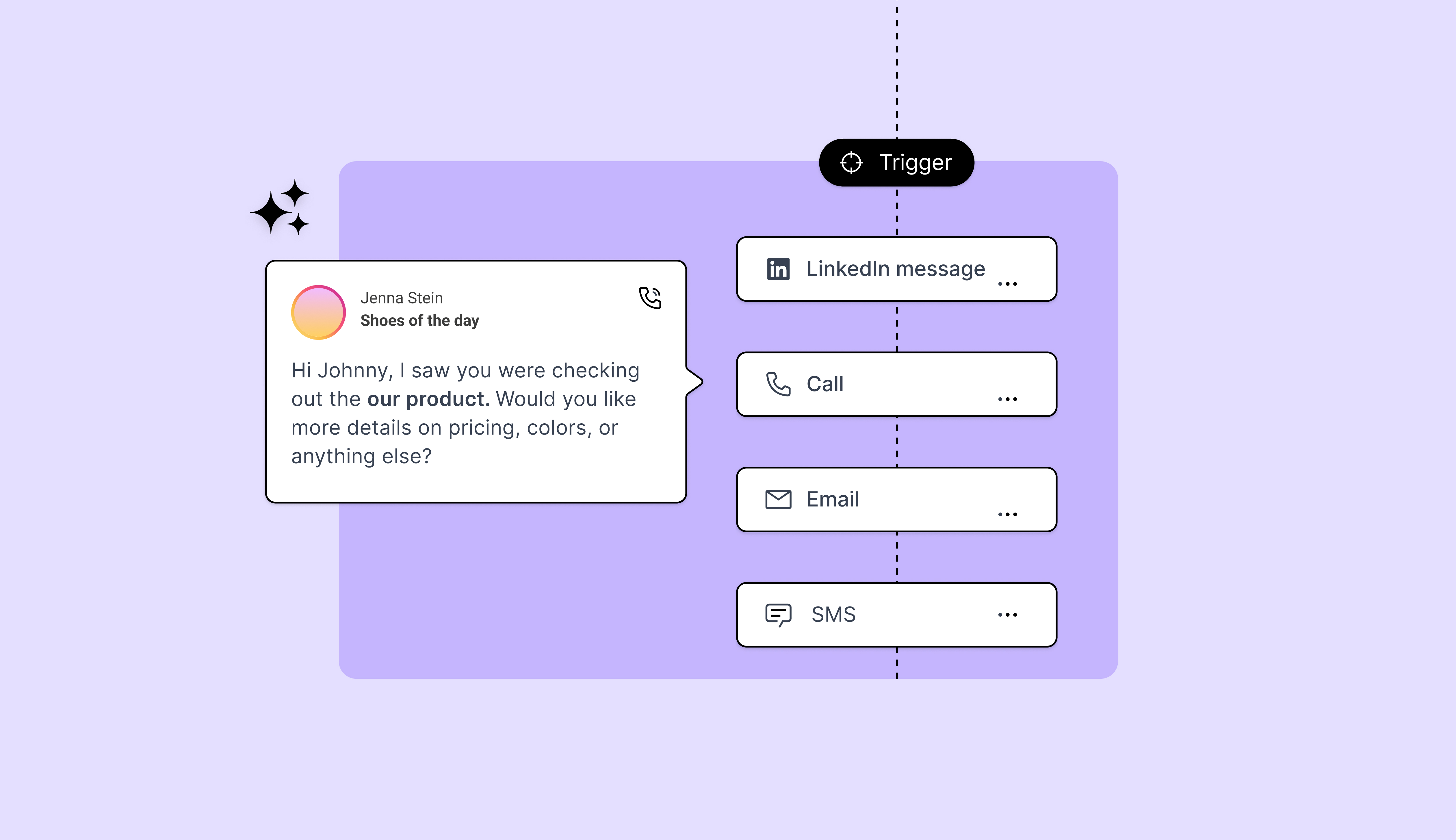
Alta is not a sending tool. It's an AI GTM system where Katie, the AI SDR, researches accounts, writes and sends email and LinkedIn outreach, handles replies, and books meetings straight onto your reps' calendars. Alex handles inbound the same way, responding in under 30 seconds instead of 42 hours. Luna orchestrates across channels and keeps the CRM clean.
The difference shows up in the outcome, not the feature list. One customer built a 7-figure pipeline with a 1-person GTM team, 0 SDRs, in 6 months. Customers include monday.com, Mesh and CloudKitchens, and Alta is SOC2 and ISO 27001 compliant, which matters when an AI is writing to your prospects under your name.
Pricing: Plan based. See Alta plans.
Where it isn't the fit: If you just need a cheap sender for an existing SDR team, this is more system than you need.
2. Instantly: volume sending with an AI copilot
Best for: Agencies and lean teams sending high volume across many inboxes.
Instantly's pitch is unlimited email accounts, built-in warmup, and inbox rotation so no single domain takes the deliverability hit. The AI Copilot drafts copy and the reply classifier sorts your inbox. It's popular because it's cheap and it works, and with over 4,000 G2 reviews it's the most widely used tool in this category.
Pricing: Entry tier around $30 to $37/month billed annually, with lead data and add-ons priced separately.
Watch for: Instantly makes volume easy, which is precisely how teams end up blacklisted. The tool won't stop you from sending 5,000 identical emails.
3. Smartlead: the deliverability specialist
Best for: Teams that have already been burned by spam folders.
Smartlead is built around deliverability: unlimited mailboxes, a unified master inbox, and warmup that mimics human behavior. Its AI writing layer adapts copy per persona, and SmartAgents handle routine tasks like reply sorting. Agencies like it because subaccounts and white labeling are native.
Pricing: Base tier around $32 to $39/month billed annually.
Watch for: The interface assumes you know what you're doing. Less hand holding than Instantly.
4. Lemlist: multichannel with personalized media
Best for: Teams selling to audiences that respond to creative outreach.
Lemlist made its name on personalized images and video in cold email, and it's since added an AI campaign generator, LinkedIn steps, and a 650M+ contact database. Sequences can mix email, LinkedIn and calls.
Pricing: Around $55 per user per month billed annually for the email tier, higher for multichannel.
Watch for: Per-seat pricing adds up fast for larger teams.
5. Reply.io: five channels and an AI SDR
Best for: Teams that want email, LinkedIn, calls, SMS and WhatsApp in one sequence.
Reply.io covers more channels than anyone else on this list, includes a dialer, and offers "Jason," an AI SDR that runs sequences and handles replies. It's a solid middle ground between a pure sender and a full agent system.
Pricing: Around $59/month billed annually for the email plan; the AI SDR is priced separately.
Watch for: Feature breadth means more setup. Budget a week to configure it properly.
6. Apollo: data plus sequencing in one place
Best for: Teams that need contact data and sending in the same tool.
Apollo's core value is its B2B database. Sequencing and AI writing are layered on top, so you can find the list, enrich it, and email it without exporting a CSV. The AI research and writing features have improved a lot in the past year.
Pricing: Free tier available; paid plans start around $49 per user per month billed annually.
Watch for: Data quality varies by region. Verify before you send.
7. Clay: the research engine
Best for: RevOps teams building custom enrichment and personalization pipelines.
Clay isn't a sender at all. It's a spreadsheet that pulls from 100+ data providers and runs AI prompts against each row, so you can generate a hyper-specific first line for 10,000 prospects and push it into any of the tools above. Most sophisticated outbound teams in 2026 run Clay in front of their sender.
Pricing: Credit based, starting around $134/month billed annually. Costs scale with enrichment volume.
Watch for: Powerful, but it's a build-your-own tool. Someone on your team needs to own it.
Practical strategies for effective AI cold email outreach
The tool doesn't get you replies. The workflow does. Here's what separates campaigns that work from campaigns that generate unsubscribe reports.
Personalize on the trigger, not the name
AI makes it trivial to mention the prospect's alma mater. Nobody replies to that. What earns a reply is relevance to something that changed: a new hire, a funding round, a job post for the role your product replaces, a tech stack switch. Point your AI research at signals like these and have it write one sentence connecting the signal to the problem you solve. One sentence. Then get to the point.
Protect deliverability before you scale
Send from secondary domains, not your main one. Warm every inbox for at least two weeks. Keep daily volume per inbox under 30 to 50 emails. Set up SPF, DKIM and DMARC before the first send, not after the first bounce spike. Every tool above helps with this, but none of them will stop you from ignoring it.
A/B test one variable at a time
Test subject lines against subject lines, not subject lines plus a new offer plus a new CTA. Run each variant to at least 200 sends before you trust the result. The most common finding: shorter wins. Under 80 words, one ask, no links in the first email.
Answer replies in minutes, not hours
This is where most AI cold email programs quietly leak pipeline. You spent money getting the reply, then it sat for four hours. If your tool can't respond and book autonomously, at least route replies to a human immediately and measure time to response as a core metric.
Let AI carry the follow-ups
Roughly half of replies come on follow-ups two through four. AI is good at writing follow-ups that add a new angle instead of "bumping this to the top of your inbox." Use it.
Checklist: 10 must-have features in cold email AI tools
Run every vendor through these before you sign.
- Does it research, or just merge fields? Ask to see an actual first line it wrote for a real prospect.
- Can it handle replies, not just classify them? Classification is table stakes. Response and booking is the differentiator.
- What does it do for deliverability? Warmup, rotation, and bounce protection should be built in.
- Does it write to your CRM automatically? If a rep still has to log activity, you bought half a tool.
- Is it multichannel? Email alone is getting harder. LinkedIn plus email outperforms either alone.
- How does pricing scale? Per seat, per inbox, per credit, or per outcome? Model it at 3x your current volume.
- What's the security posture? SOC2 and ISO 27001 at minimum. The AI is emailing under your brand.
- Can you control the voice? You should be able to set tone, banned phrases, and approval rules.
- How fast is time to first campaign? Days is fine. Months is a red flag.
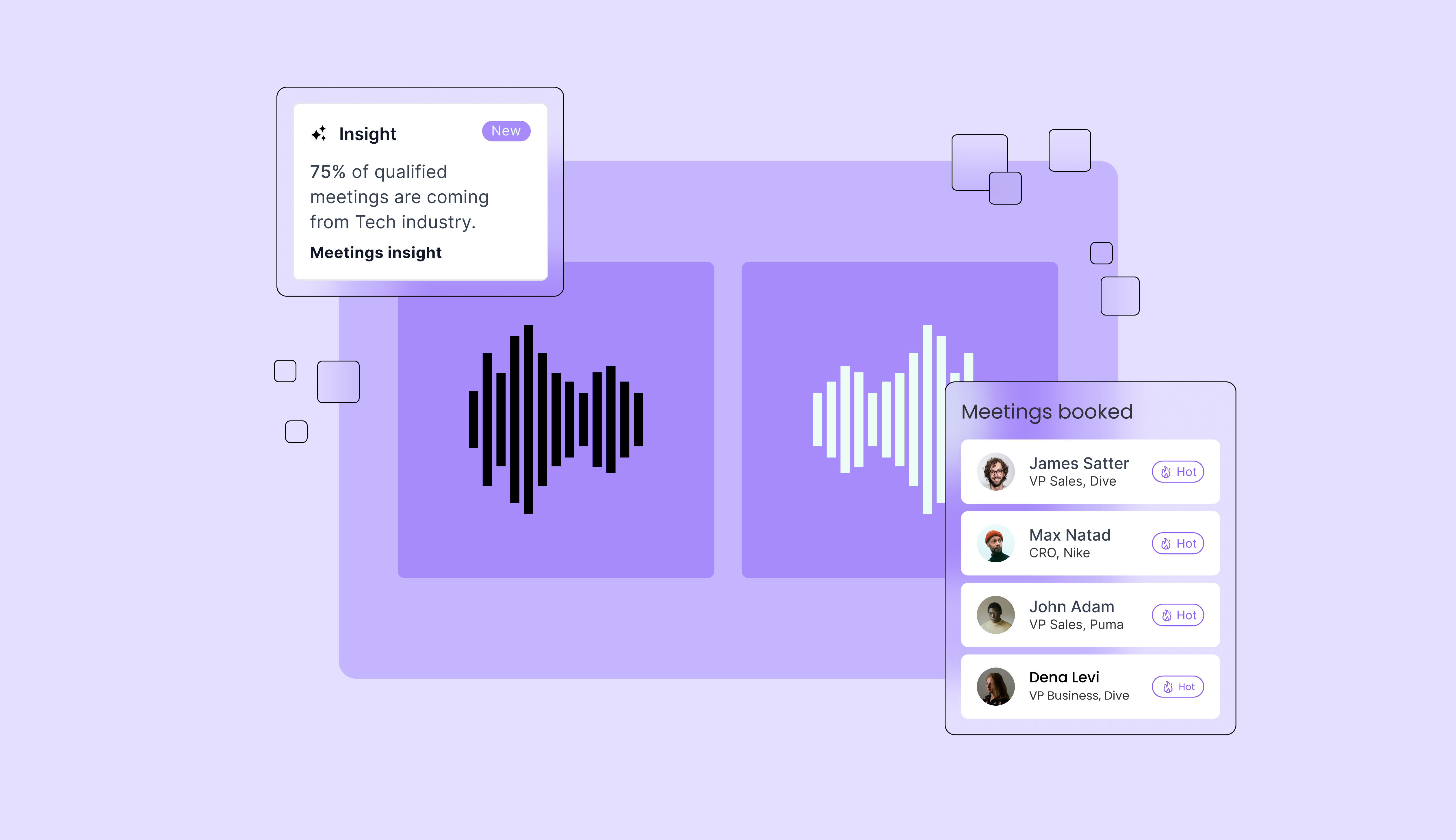
- What's the actual outcome data? Not open rates. Meetings booked and pipeline created.
Conclusion: pick the tool that matches how much you want the AI to own
Cold email AI tools in 2026 range from "helps a rep send more" to "does the SDR job." Senders like Instantly and Smartlead are excellent if you have people to run them. Alta is built for teams that would rather not.
We're not asking you to take our word for it. Most teams launch their first campaign within a week. Book a demo and watch Katie research your own target accounts live.
Frequently Asked Questions
The best cold email AI tools depend on what you want the AI to own. Instantly and Smartlead are the strongest high-volume senders with built-in warmup and AI copywriting. Lemlist and Reply.io add LinkedIn, calls and other channels. Apollo combines data with sequencing, and Clay powers deep research and personalization. Alta goes furthest, with AI agents that research, write, send, reply and book meetings end to end.
AI improves cold email in three measurable ways. It personalizes at scale by researching each prospect and referencing a real trigger, which lifts reply rates. It protects deliverability by managing warmup, rotation and volume. And it cuts response time from hours to seconds, which matters because leads engaged within five minutes are 21x more likely to convert. The biggest gains come from the third one, since most teams already send enough email and simply respond too slowly.
Look for real prospect research (not just merge fields), autonomous reply handling and meeting booking, built-in deliverability protection, automatic CRM updates, multichannel sequences, transparent pricing that scales, SOC2 and ISO 27001 compliance, control over tone and approvals, fast time to first campaign, and reporting on meetings and pipeline rather than opens. The 10-point checklist above covers each in detail.
Point the AI at a trigger event rather than a biographical fact. Feed it signals like new hires, funding rounds, open job postings, tech stack changes or recent content the prospect published, then have it write one sentence connecting that signal to the problem you solve. Keep the rest of the email short and consistent. Tools like Clay and Alta do this research automatically; senders like Instantly and Smartlead can accept the output as a custom variable.
The most common mistakes are sending from your primary domain, skipping inbox warmup, sending more than 50 emails per inbox per day, writing emails over 100 words, including links in the first touch, testing multiple variables at once, and leaving replies unanswered for hours. AI tools make it easy to scale all of these mistakes at once, so fix the workflow before you turn up the volume.
They can if you use them carelessly. The tools themselves include warmup and rotation features that reduce risk, but they won't stop you from sending too much identical content too fast. Use secondary domains, warm inboxes for two weeks, authenticate with SPF, DKIM and DMARC, and keep volume per inbox conservative. Deliverability is a discipline, not a feature.
For the repeatable parts of the job, yes. AI agents like Alta's Katie now handle research, first touch, follow-ups, reply handling and booking, and one customer built a 7-figure pipeline with zero SDRs. What AI doesn't replace is complex discovery, negotiation and relationship building, which is where your human sellers should be spending their time anyway.
The success of LinkedIn sales automation can be measured by tracking connection acceptance rates, reply rates, qualified leads, and conversions.Teams should also monitor how prospects engage with different messages and follow-up sequences.CRM data can help connect outreach activity to pipeline growth and actual revenue outcomes.Comparing campaign performance over time makes it easier to identify which audiences and messages perform best.Regular analysis allows teams to refine targeting, personalization, and outreach strategies based on real results.